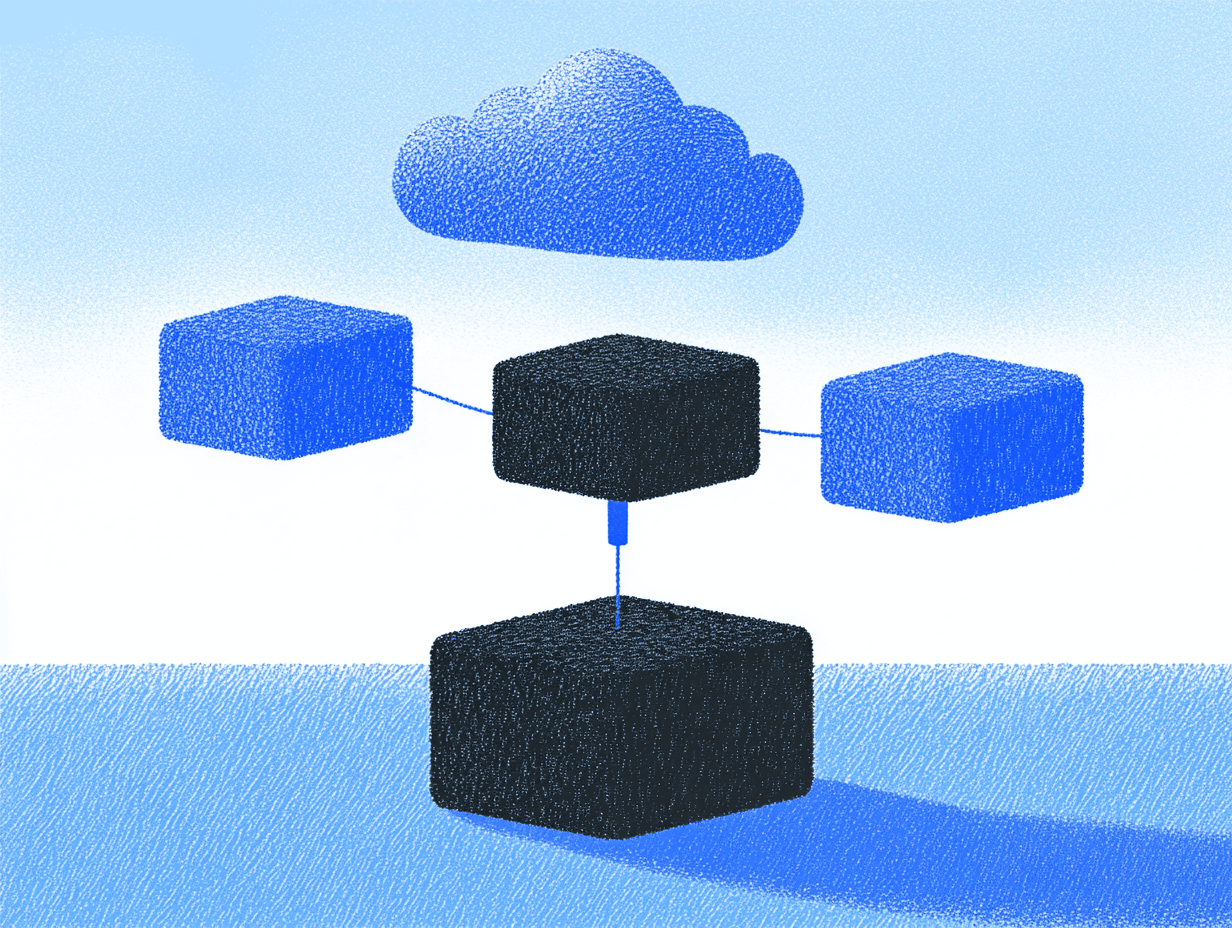
Anthropic introduced the Model Context Protocol (MCP), essentially creating a “USB-C for AI” that standardizes how large language models connect to external tools and data sources. While this may appear to be another developer framework, it represents an evolution in AI integration into products and services.
As organizations transition from impressive AI demonstrations to embedded enterprise applications, the primary challenge involves connecting models to systems containing actual data and services. Currently, every company builds custom, one-off integrations that lack scalability or generalizability. MCP aims to resolve this fragmentation issue comprehensively.
The problem MCP solves
Even the most powerful language models like Claude and GPT-4 face limitations. They operate behind information barriers without direct access to fresh data, proprietary systems, or the ability to perform meaningful actions without requiring custom integration work.
This has created a situation where AI features appear impressive yet limited. A customer support AI might generate excellent responses but cannot access the latest product documentation. A coding assistant lacks knowledge about internal APIs. A dashboard AI can analyze data but cannot execute queries to retrieve updated information.
MCP directly addresses this problem by establishing a standardized method for AI to safely interact with external systems—whether databases, APIs, documentation, or tools.
How MCP works
At its foundation, MCP employs a client-server architecture specifically designed for AI systems:
MCP Servers wrap specific data sources or capabilities (database, Slack integration, web browsing tool) and expose them through a consistent interface. Each server understands how to handle requests and return results in standardized format.
MCP Clients (within host applications) maintain connections to these servers and relay AI model requests. The client can operate anywhere an LLM is being used—chat interface, code IDE, or other custom application.
The protocol establishes standard formats for messages, requests, and responses, enabling any client to communicate with any server—similar to how HTTP allows any web browser to communicate with any website.
Key elements that make MCP powerful for product teams include:
1. Resources (Read-only context). Pieces of data a server can securely expose to an AI (file contents, database records, etc.). Resources are typically controlled by the application or user, ensuring sensitive data isn’t accessed without authorization.
2. Tools (Invokable actions). Functions an AI can request a server to perform, like “send an email,” “query a database,” or “browse a URL.” Each tool is defined with a name, description, and input schema that constrains AI capabilities.
3. Prompts (Your reusable workflows). Predefined templates or scripts that guide the AI through multi-step interactions. These make complex sequences reusable across sessions.
4. Roots (Context boundaries). Scope limitations that define where servers should operate, helping to sandbox AI access and keep it focused on relevant data.
The modularity of this approach is remarkable: you can add, remove, or update tools without changing the underlying AI model or other components. It’s also platform-agnostic, working with Claude, GPT-4, open-source models, or any other AI system implementing the protocol.
MCP vs. other approaches
To understand why MCP represents an evolution in AI integration, comparing it to existing approaches provides context:
OpenAI’s Function Calling: While powerful, function calls are proprietary to OpenAI’s ecosystem. They’re defined within application code and aren’t easily portable or reusable across different AI models.
LangChain Framework: A popular choice for building AI applications offering similar capabilities as a programming framework rather than a protocol. It excels at prototyping but doesn’t resolve the cross-application interoperability problem. Two apps using LangChain don’t automatically share tools unless code is physically shared.
AutoGPT-style agents: Early autonomous agent experiments demonstrated tool-using AI potential but lacked the standardization and security controls required in production environments.
MCP distinguishes itself by being:
- An open protocol anyone can implement (not tied to one vendor)
- Security-focused by design (with fine-grained access control)
- Modular and extensible (tools are standalone services)
- Cross-platform (works with any AI model supporting it)
What MCP means for product leaders
For product managers and tech leaders, MCP represents a significant advancement in designing and implementing AI features.
Embedded intelligence with live data
With MCP, AI features can access up-to-date information without users manually uploading files or copying data. Imagine a customer support chatbot querying your billing database in real-time and emailing transaction histories via an email connector within a single conversation.
This changes product design approach since AI features become action-oriented and context-aware, solving user problems end-to-end rather than simply providing information.
Multi-tool workflows
MCP makes designing experiences where AI orchestrates multiple tools to accomplish complex tasks natural. Instead of building hardcoded automation workflows, you can think in terms of outcomes and trust AI to chain appropriate tools together.
For example, a productivity assistant might handle a request like “Analyze last quarter’s sales data, generate a summary presentation, and share it with my team.” Behind the scenes, the AI could fetch data from your CRM, generate visualizations, create slides, and post to Slack—all through separate MCP connectors, without requiring specific sequence coding.
Security, compliance, and control
For enterprise applications, MCP offers granular security control. Instead of granting AI broad system access, you expose only specific actions through MCP servers. The model can only call explicitly defined functions.
This containment aligns with the principle of least privilege and makes security reviews more straightforward. Your security team can audit MCP server code (usually simple and focused) and approve it, knowing the AI cannot exceed those boundaries.
Human-in-the-loop options (like requiring user approval for certain actions) provide additional safety guardrails.
Vendor flexibility
MCP decouples your tool ecosystem from any specific AI provider. Your team can switch between models without losing integrations. This reduces vendor lock-in and provides leverage to choose the AI best fitting your needs, knowing your connector layer remains compatible.
Development speed via open ecosystem
Building with MCP means leveraging community-built connectors rather than reinventing the wheel. Need your AI to browse web pages? Plug in the existing Puppeteer MCP server. Want GitHub integration? Just use the GitHub MCP server.
As the community grows, a rich library of MCP servers is emerging. Zapier’s MCP Beta alone provides access to over 7,000 apps and 30,000 actions through a single integration.
Getting started with MCP servers
Here’s a practical roadmap for considering MCP in your product strategy:
1. Identify your integration points
Start by mapping where users would benefit from AI having access to data or tools. Common starting points include:
- Internal knowledge bases and documentation
- Customer/user data systems
- Communication tools (email, chat, etc.)
- Project management systems
- Code repositories or development environments
2. Evaluate existing connectors
Check the growing ecosystem of open-source MCP servers to see what’s already built. Anthropic maintains a repository of connectors, and community contributions are expanding this library rapidly.
3. Build your first custom connector
For systems unique to your organization, you’ll want to create custom MCP servers. The TypeScript and Python SDKs make this straightforward:
- Define the resources your connector will expose (what data can be read)
- Specify the tools it will provide (what actions can be performed)
- Implement the handlers for those tools with appropriate security checks
- Deploy the server in your environment
4. Design the AI experience
With your connectors in place, design how the AI will interact with users:
- Will tool use be automatic or require user approval?
- What conversational patterns will trigger tool use?
- How will you communicate to users what actions the AI is taking?
- What error handling is needed when tools fail?
5. Start small, then expand
Begin with focused, high-value use cases where tool access clearly enhances user experience. Consider a phased approach:
- Phase 1: Read-only access to non-sensitive resources
- Phase 2: Interactive tools with user approval
- Phase 3: More autonomous operation for trusted workflows
MCP in action
Several early adopters are already demonstrating MCP’s potential. Claude Desktop uses MCP to let Claude access files on your computer without uploading them to the cloud. Zapier turns their entire automation platform into MCP tools, instantly giving AI access to thousands of apps through one integration. Replit’s Ghostwriter uses MCP to let its AI assistant run code, read files, and search documentation. Companies like Block (Square) are using MCP to connect AI to internal knowledge bases with appropriate access controls.
Preparing your strategy
The Model Context Protocol brings new possibilities to how AI will be integrated into products and services. It provides a secure, modular, and standardized way for AI to interact with the world, creating the playground where we’ll see the next level of language model usefulness.
For product leaders, this means:
- Rethinking AI features — move beyond “AI answers questions” to “AI accomplishes tasks”
- Planning for modularity — design systems where components can be swapped or upgraded independently
- Prioritizing security by design — use MCP’s containment model to implement least-privilege access
- Building for an ecosystem — consider how your tools might be shared or reused across applications
- Focusing on outcomes — let AI handle the mechanics while you design for user goals
The companies that embrace this architectural change early will gain an advantage. They’ll deliver more capable AI features faster, with better security and flexibility than competitors who continue building custom, siloed integrations.
MCP signals the maturation of AI from impressive technology to a practical, embedded tool. The question for product teams is no longer “how do we add AI?” but “what problems can our AI solve now that it can truly interact with our systems?” That change in perspective opens up entirely new product possibilities, and the time to start exploring them is now.